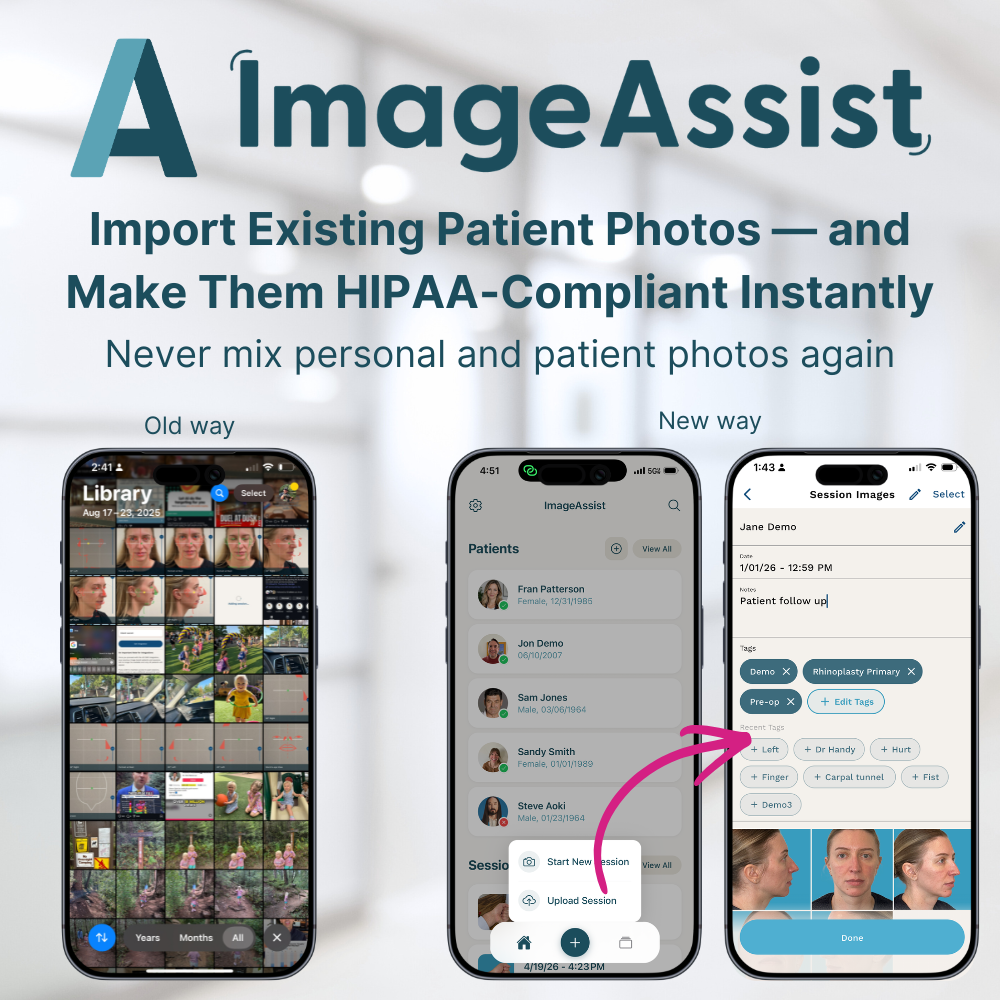
Import Existing Patient Photos — and Make Them HIPAA-Compliant Instantly
Mon Apr 20 2026
Easily upload existing patient photos from your device or desktop into ImageAssist to make them secure, organized, and fully HIPAA-compliant.
The Problem: Patient Photos Are Sitting in the Wrong Place
Across practices, thousands of patient photos are sitting on:
- Personal iPhones
- Camera rolls
- Text threads
- Unsecured storage
They’re:
- Not HIPAA-compliant
- Not organized
- Not tied to patient records
- Not usable for clinical or marketing workflows
And once they’re taken — there’s no easy way to fix it.
The Solution: Secure Photo Import
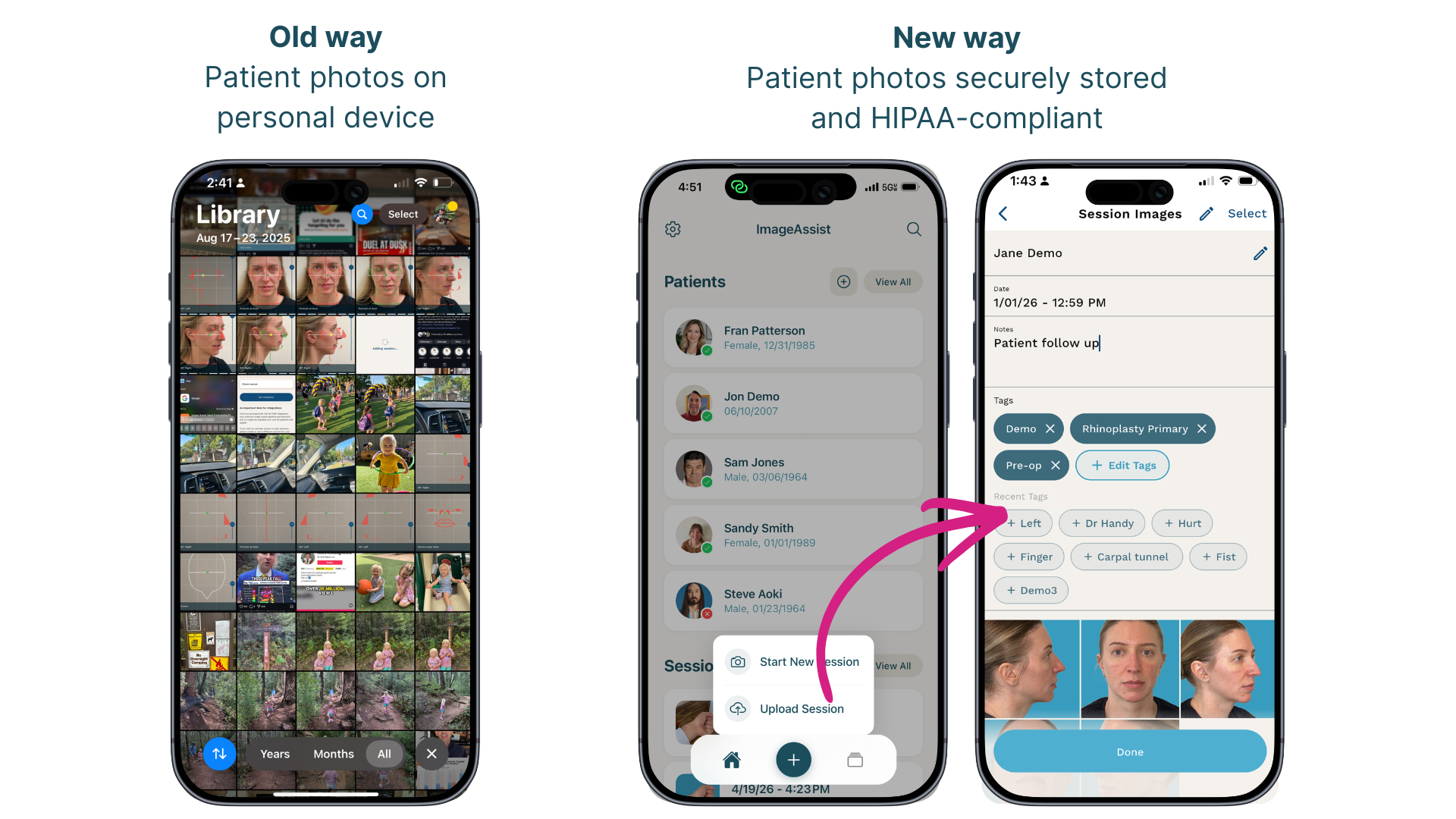
ImageAssist now allows you to upload existing photos directly from your device into a secure, structured workflow.
From your iPhone or iPad, you can:
- Select photos from your camera roll
- Assign them to a patient
- Tag and organize them
- Store them securely in a HIPAA-compliant environment
All in seconds.
How It Works
- Open ImageAssist on your iPhone or iPad
- Select a add session (plus button at bottom)
- Tap upload session
- Choose photos from your camera roll
- Assign, tag, and organize
Done.
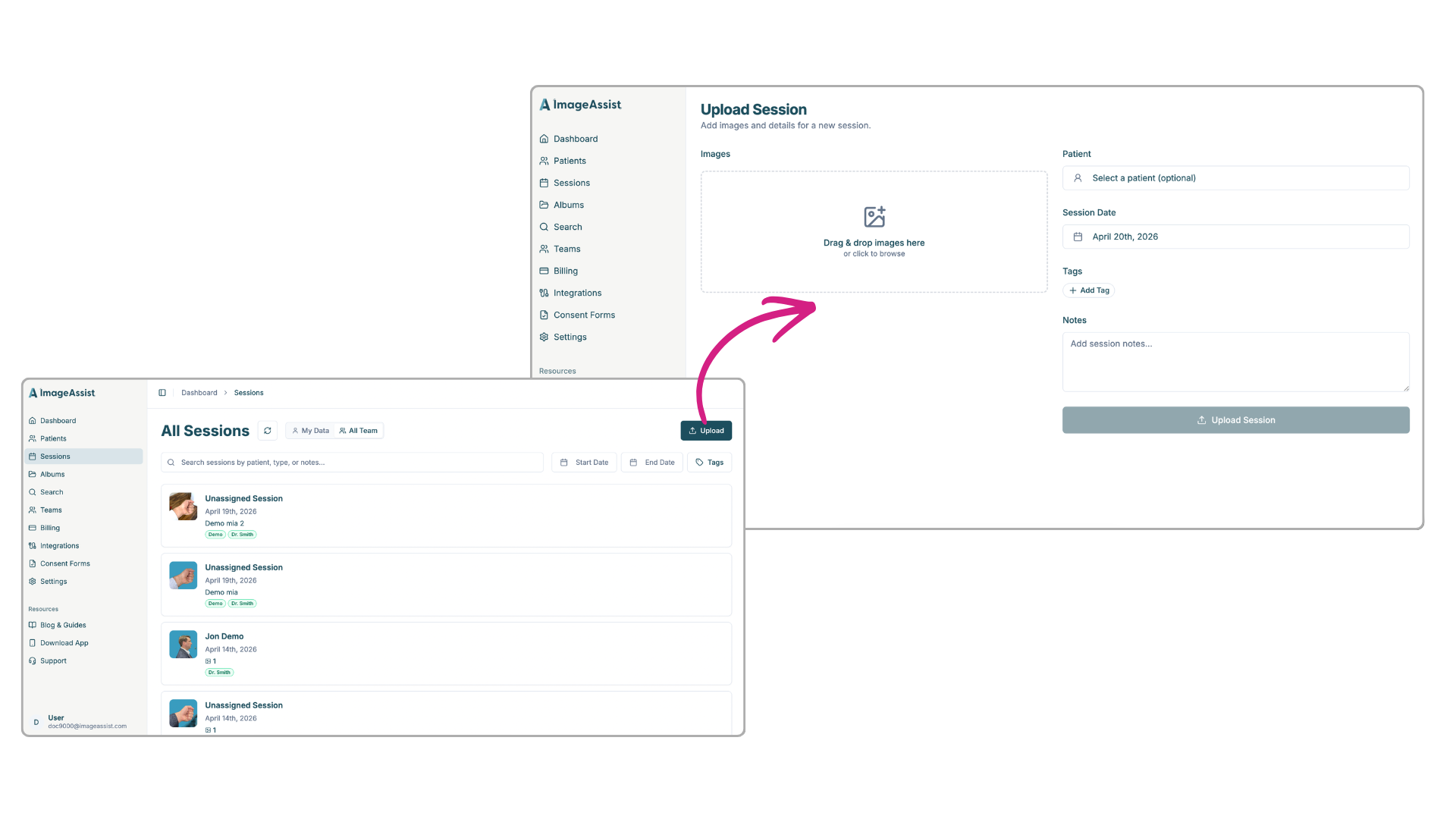
Desktop Upload
Photos can also be done from your computer desktop using the ImageAssist Web App. Simply navigate to Sessions, then Upload, and assign photos to the correct patient and tag the session for better organization and management.
Why This Matters
🔒 Fix HIPAA Risk Immediately
Move photos off personal devices and into a secure system.
🗂 Turn Chaos Into Structured Data
Attach photos to patient records and organize them properly.
⚡ Save Time
No more manual transfers, emailing photos, or messy workflows.
📈 Unlock Value From Existing Photos
Use historical images for:
- Before-and-after comparisons
- Clinical tracking
- Marketing (with consent)
The Bottom Line
You’ve already captured the photos.
Now you can finally make them usable, secure, and compliant.
Start organizing your existing photos today or book a demo to see it in action.