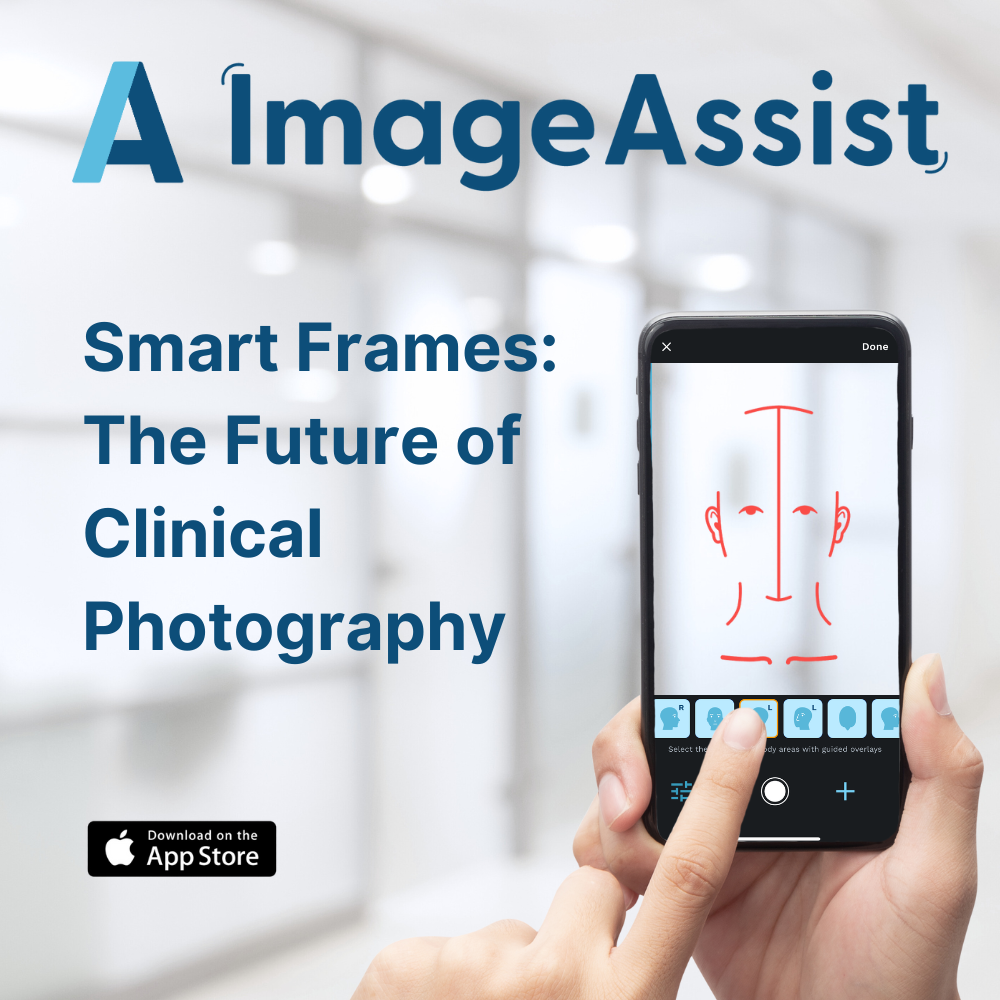
SmartGuides: The Future of Clinical Photography
Fri Aug 01 2025
ImageAssist SmartGuides™ provide plastic surgeons and healthcare teams with standardized, professional clinical photos in half the time. Learn how this innovation reduces HIPAA risk, improves efficiency, and delivers measurable ROI for clinics and healthcare systems.
Clinical photos are one of the most valuable tools in modern healthcare. They capture treatment progress, support medical decision-making, and serve as documentation for research, billing, and legal protection. Yet for many providers, capturing standardized photos remains inconsistent and frustrating.
ImageAssist SmartGuides™ solves this problem by transforming any iPhone into a precision clinical camera.
What Are SmartGuides?
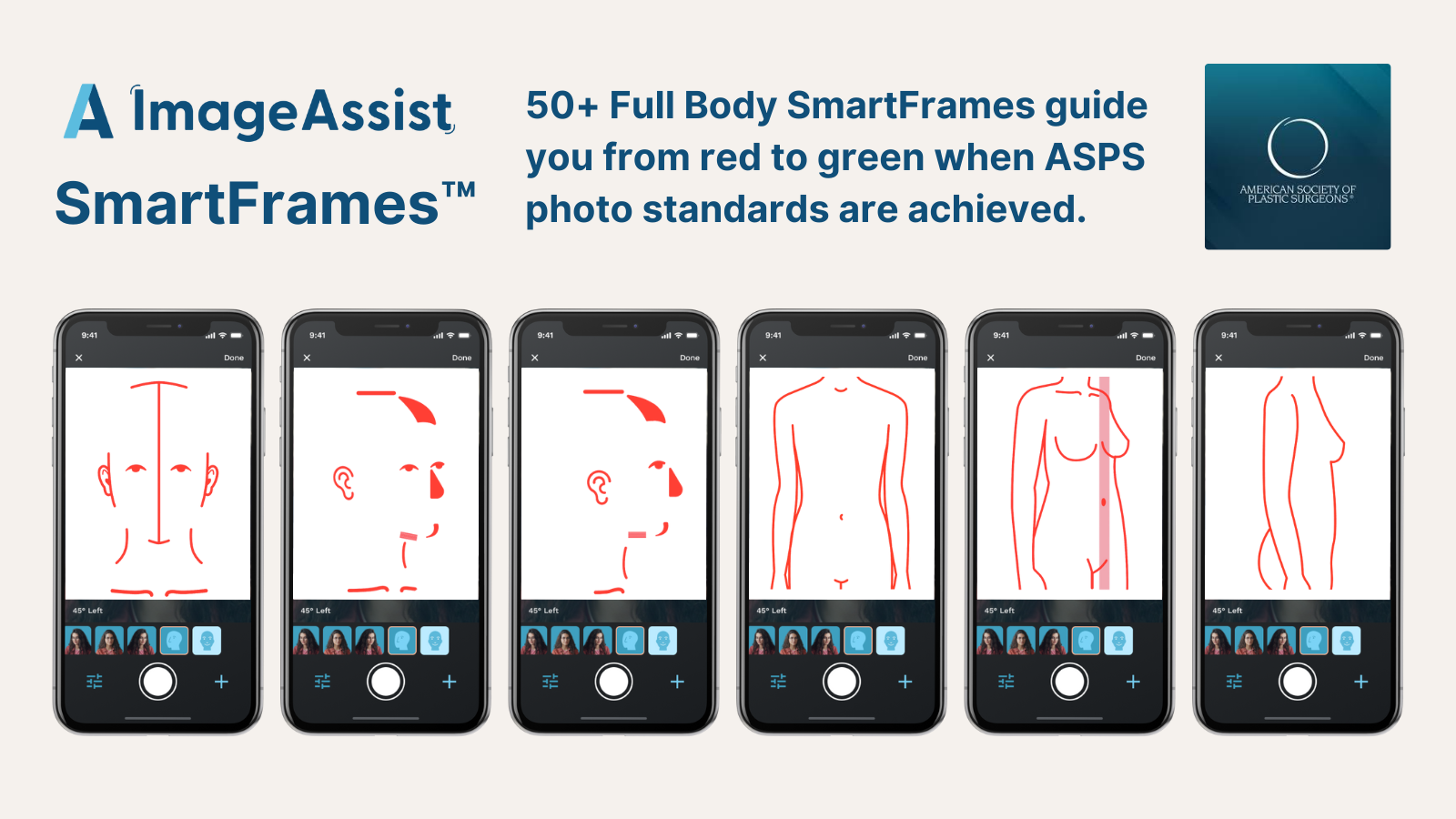
SmartFrames™ are dynamic, on-screen guides built into the ImageAssist app that ensure clinicians capture consistent, professional-quality photos every time.
Instead of guessing angles, distances, or positioning, SmartFrames™ provide clear overlays for face, body, or specific anatomy. Whether it’s a facelift, abdominoplasty, wound care, or weight-loss progress photo, providers have a repeatable framework to capture before-and-after images that align perfectly.
How Do SmartGuides Work?
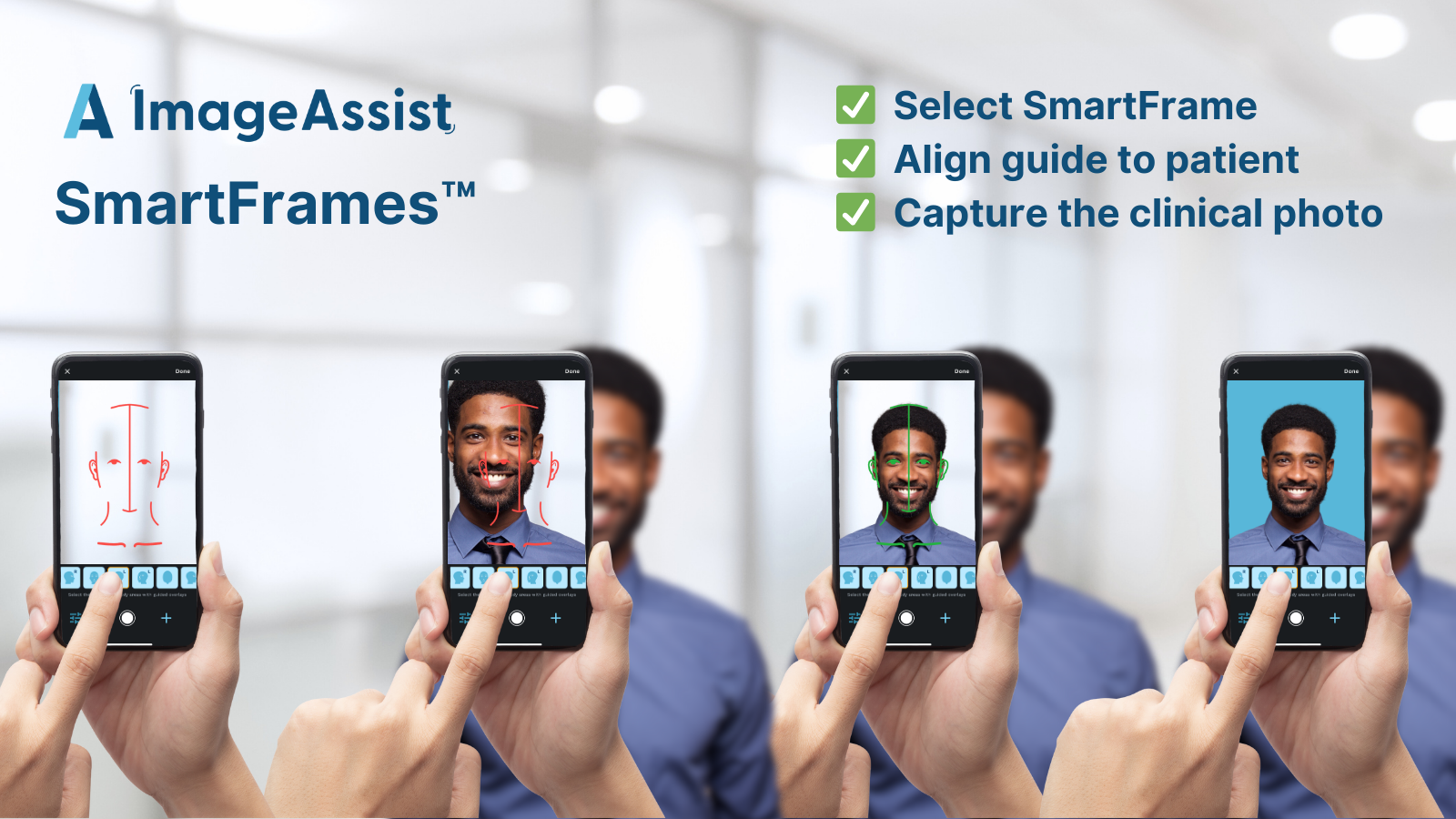
- Select the SmartFrame – Choose from 50+ full-body pre-set templates designed according to ASPS/PSF clinical photography guidelines.
- Align the Patient – The overlay shows exactly where the anatomy should be placed for proper positioning.
- Capture with Confidence – Built-in computer vision ensures photos are aligned, level, and consistent.
- Automatic Background Removal – Distractions disappear, leaving clean, professional images.
- HIPAA-Compliant Storage – Every photo is instantly secured and linked to the right patient record or EHR.
This workflow makes what used to take multiple attempts and editing possible in a single click.
How to Setup Your SmartGuides?
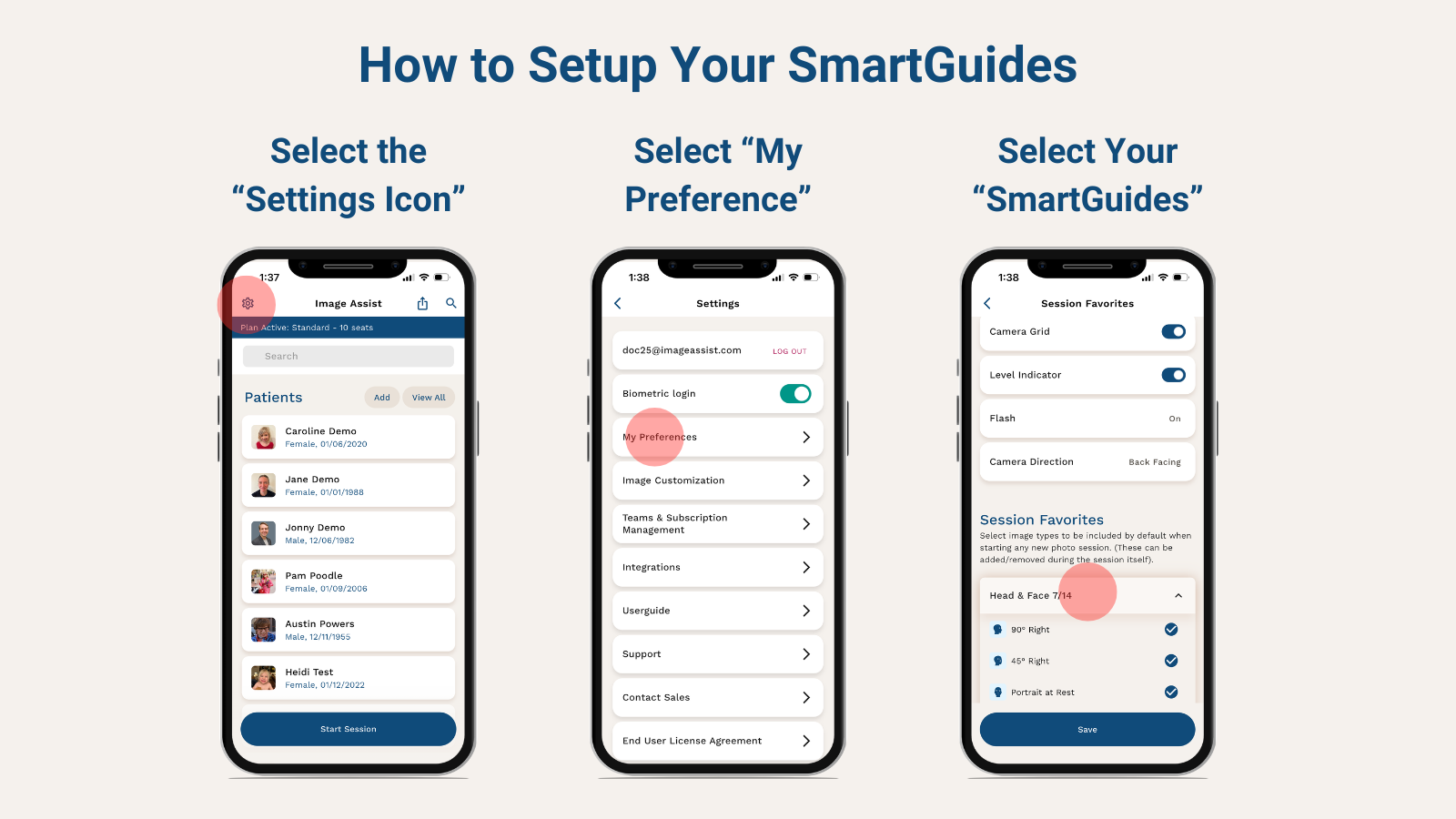
SmartGuides let you customize exactly which views and image types appear every time you start a new photo session—so ImageAssist matches your clinical workflow.
Follow these steps
- Tap the Settings icon on the home screen, then select My Preferences.
- Open SmartGuides to view all available image types and views.
- Select the SmartGuides you want to include by default—your choices will automatically load at the start of every new photo session.
Why Are SmartGuides Valuable?
For clinicians:
- Speed: Quickly align and capture patient photos saving valuable time.
- Consistency: Every staff member, regardless of experience, can capture identical before-and-after photos.
- Credibility: Standardized photos with ASPS standards increase trust with patients and improve outcomes research and podium presentations.
- Efficiency: No more retakes, manual cropping, or wasted time.
For healthcare systems and practices:
- Risk Mitigation: Compliant, secure photos reduce HIPAA exposure.
- Productivity: 53% faster photo capture means more patients seen per day.
- Revenue Growth: Clinics can increase throughput by 3.1 patients/day, adding up to $300K+ in annual revenue per surgeon.
- Cost Savings: Practices save $10K+ in equipment costs and $80K–$150K per year in staff time by eliminating manual workflows and photo rooms.
For just $40/month per user, SmartFrames™ delivers compliance, efficiency, and growth that far exceeds its cost.
Conclusion
SmartFrames™ are more than a feature — they’re a new standard in clinical photography. By simplifying workflows, protecting patient data, and driving real financial returns, ImageAssist helps practices deliver better care and stronger business outcomes.