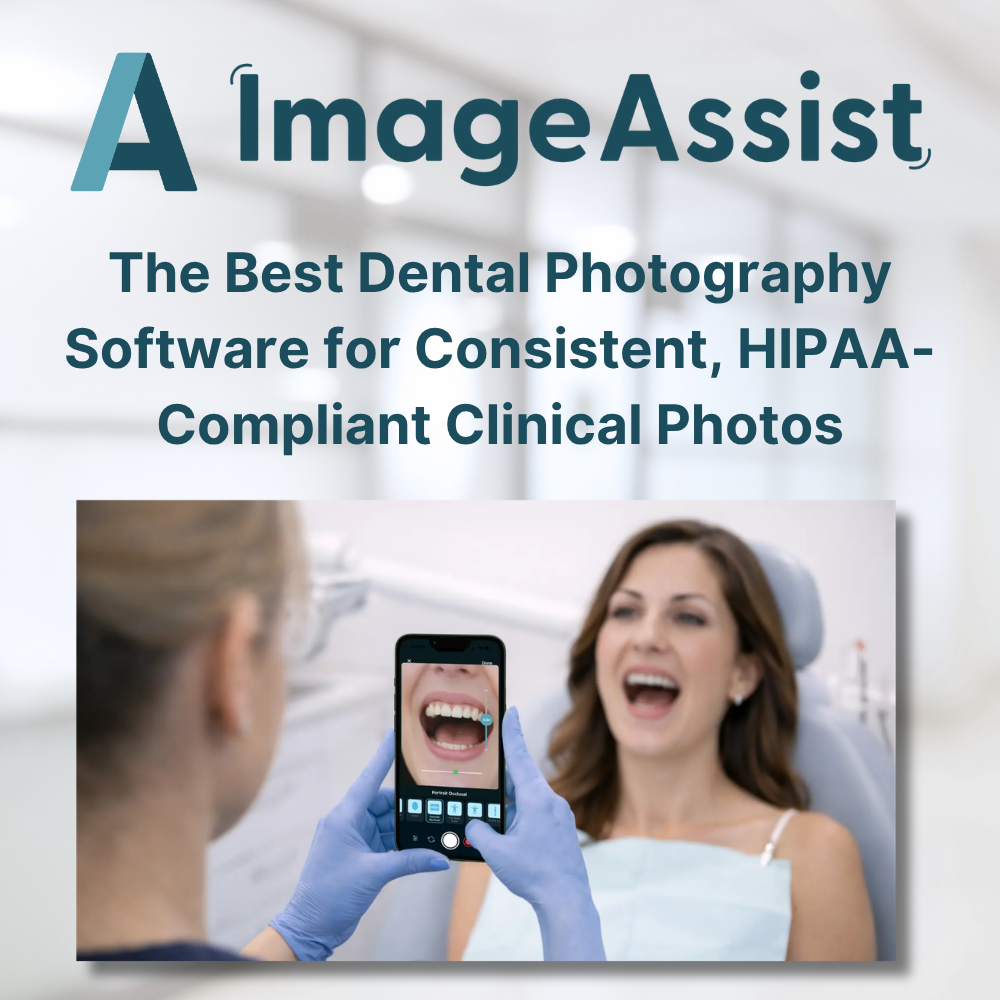
The Best Dental Photography Software for Consistent, HIPAA-Compliant Clinical Photos
Fri Apr 17 2026
Most dental practices still rely on personal phones and manual uploads for clinical photos. Here's what modern dental photography software actually looks like — and why standardization and HIPAA compliance matter more than you think.
The Best Dental Photography Software for Consistent, HIPAA-Compliant Clinical Photos
If your dental practice is still capturing patient photos on a personal iPhone and uploading them manually to the record — you're not alone. But you're also one iCloud sync away from a HIPAA problem, and your before-and-after documentation is probably inconsistent enough to create real clinical and legal risk.
Dental photography software exists to solve exactly this. Here's what it actually means, what to look for, and why practices that make the switch don't go back.
What is dental photography software?
Dental photography software is a clinical tool — usually a mobile app — that standardizes how dental practices capture, store, and manage patient photos. Rather than using a general-purpose camera app, clinicians use a purpose-built workflow that guides the capture process and connects directly to the patient record.
Good dental photography software does a few things that consumer tools simply can't:
- Ensures consistent framing and angles across providers and visits
- Stores photos in HIPAA-compliant infrastructure — not personal camera rolls
- Syncs photos to the EMR automatically, with no manual upload step
- Manages patient consent digitally, including marketing consent
Why personal iPhones aren't enough
The convenience of using a personal iPhone for clinical photography comes with significant trade-offs that most practices underestimate.
When a clinician takes a patient photo on a personal device, that image typically syncs to their personal iCloud account. It lives outside the practice's control, outside your EMR, and outside any HIPAA-compliant environment. That's not a gray area — it's a genuine liability.
Beyond compliance, there's the consistency problem. Without framing guides or standardized protocols, photos vary by provider, by visit, even by time of day. That makes before-and-after comparisons unreliable and clinical documentation inconsistent — both problems for treatment planning and patient communication.
What to look for in dental photography software
Not all clinical photography tools are built the same. Here are the capabilities that matter most:
- Standardized capture guides. Look for on-screen framing guides (sometimes called SmartGuides) that direct the clinician to the right angle, distance, and orientation — for both intraoral and extraoral views. This is what makes before-and-after documentation clinically meaningful.
- Direct EMR integration. Photos should sync to the patient record automatically. If your software requires a manual upload step, you're trading one friction point for another.
- HIPAA-compliant storage. Photos must never touch personal camera rolls or consumer cloud accounts. Confirm that the platform uses HIPAA-compliant cloud infrastructure with access controls and audit logging.
- Built-in patient consent. Consent forms should be captured digitally in the exam room — with clear separation between clinical consent and marketing consent. Paper forms get lost; digital forms don't.
- Automatic background removal. A clean, consistent background is part of professional clinical documentation. Software that handles this automatically saves your staff editing time on every visit.
How ImageAssist works for dental practices
ImageAssist is a clinical photography platform built for medical and dental practices. It runs as an iPhone and iPad app and connects directly with your practice management system, enabling your team to capture standardized, HIPAA-compliant photos that sync instantly to the patient record.
For dental practices specifically, ImageAssist supports:
- Intraoral and extraoral documentation with specialty-specific SmartGuides
- Before-and-after visuals for treatment planning and case presentation
- Orthodontic progress tracking with consistent photos across visits
- Insurance documentation with structured, standardized image capture
- Digital consent forms with separate medical and marketing consent types
Integrations include Apollo and Mindbody for practice management, as well as Epic and Cerner for health system environments.
The ROI is real
Practices that switch to dedicated dental photography software consistently report the same outcomes: fewer retakes, less staff time spent on photo management, better patient communication at case presentation, and improved documentation quality for insurance submissions.
Saving 3–5 minutes per patient on photo workflow adds up fast across a busy schedule. And when a patient can see a clear, standardized before-and-after comparison, treatment acceptance improves.